


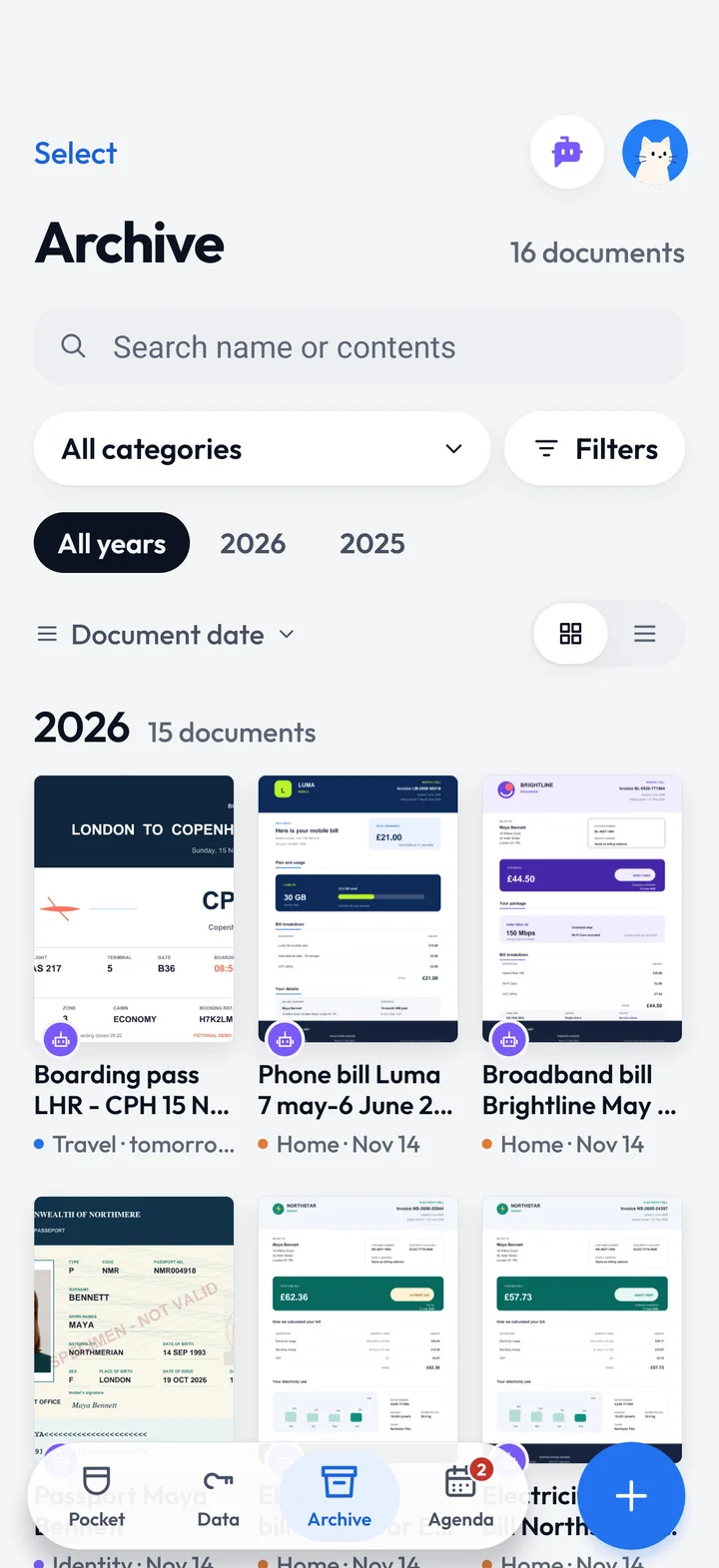
It fades
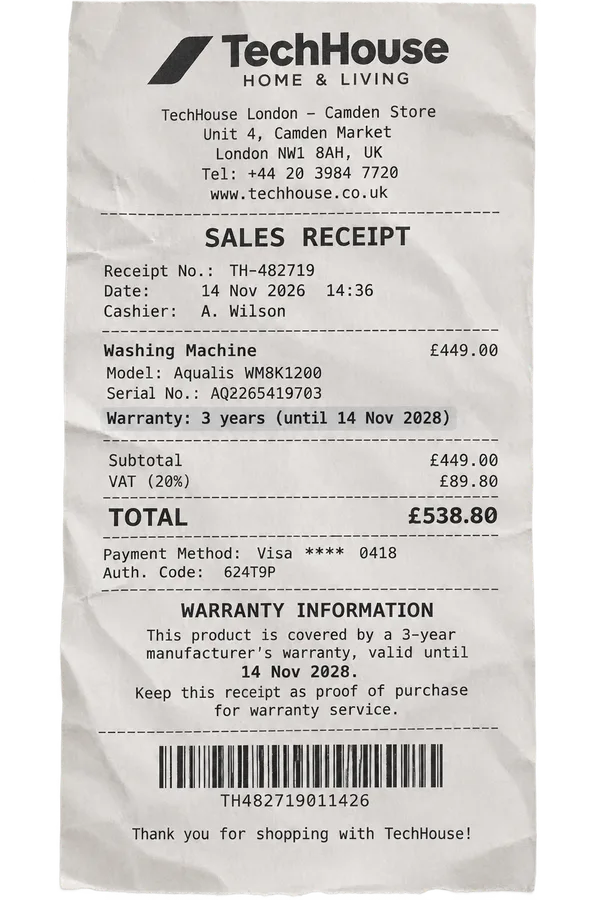
The thermal ink on receipts disappears within months.
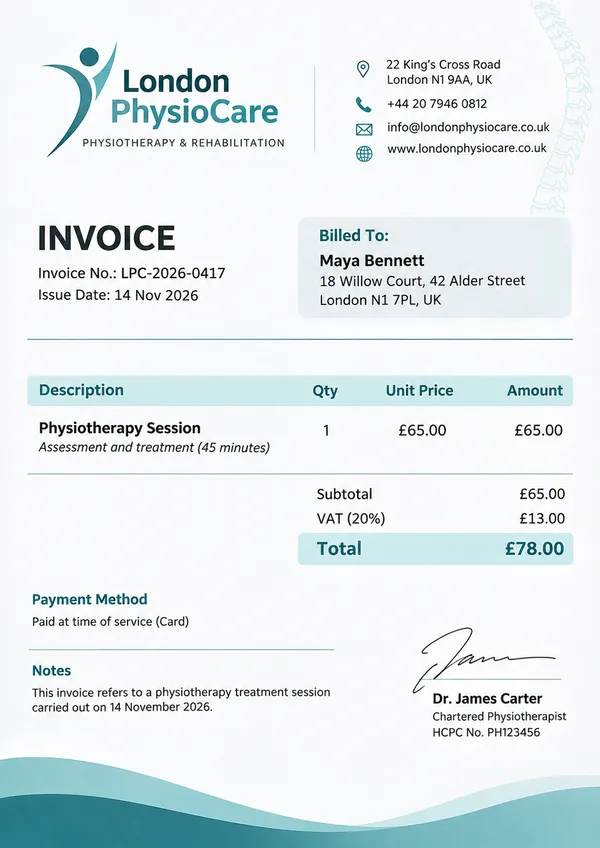
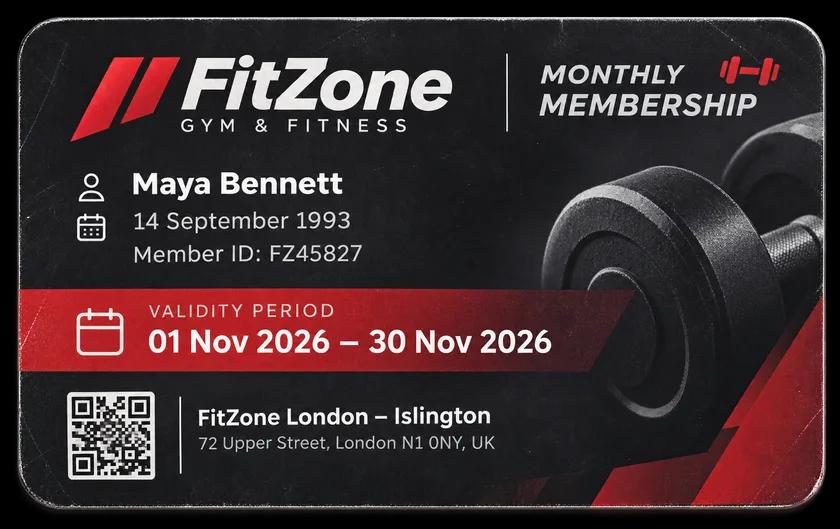
Made for bills, tickets, warranties, receipts, policies, medical reports
Android first, then iPhone.
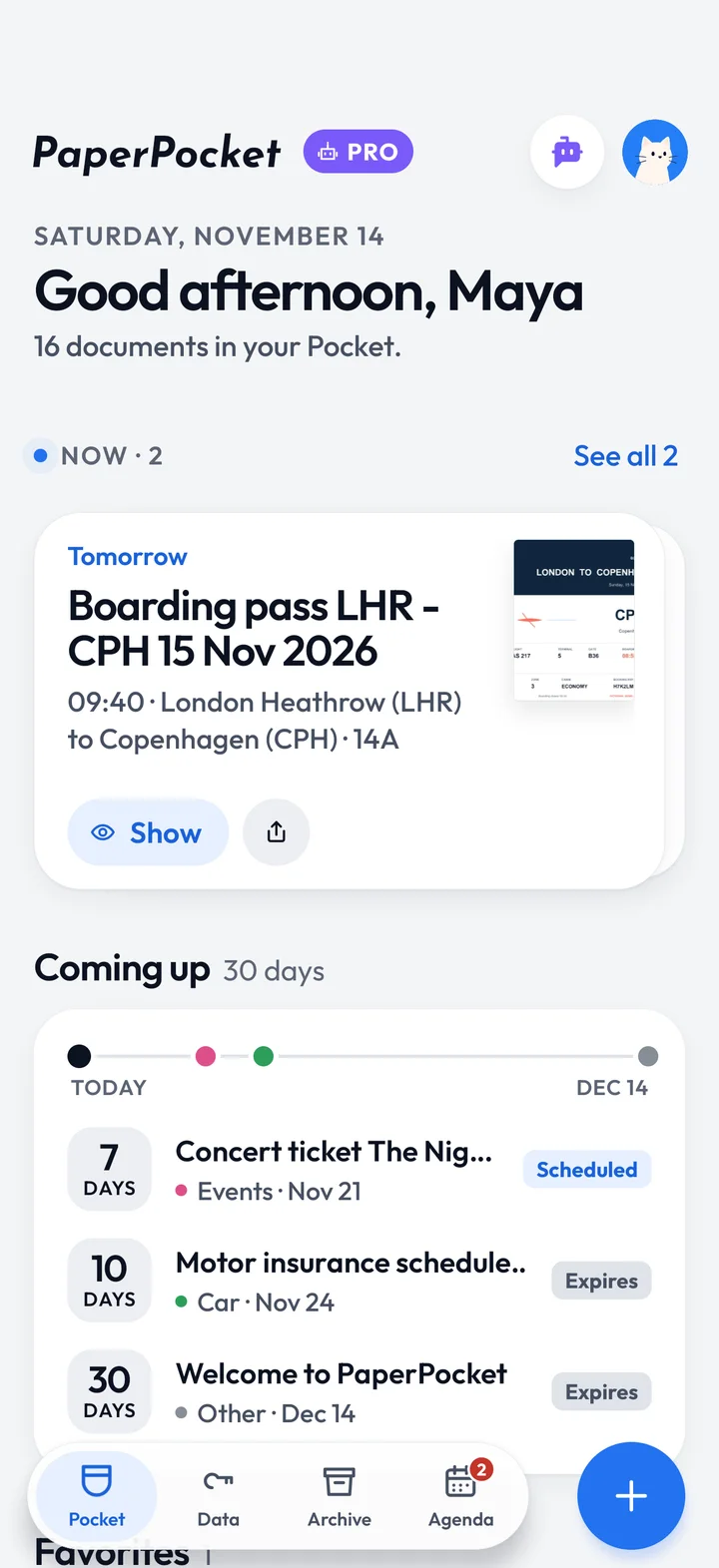
The problem
The thermal ink on receipts disappears within months.
Between pockets, drawers and bags, the right sheet is never at hand.
Warranties, passes and bills expire without warning.
PaperPocket keeps them safe in an instant.
How it works
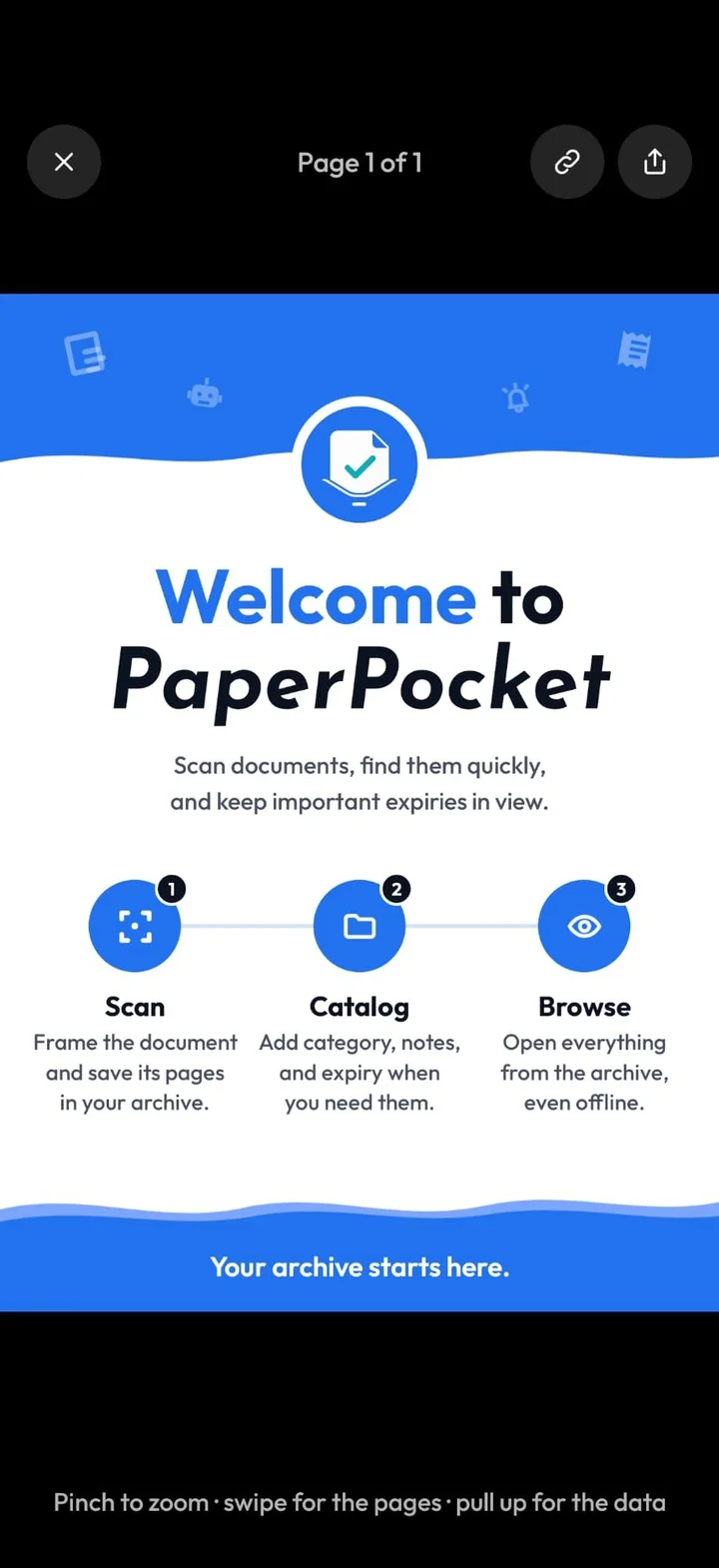
From paper to your archive in under a minute, with no setup and no account.
Tap + and frame the sheet: edges and perspective fix themselves, even across several pages. Or import a PDF or share it from another app.
PaperPocket reads the text and suggests a name, category, year and expiry date. Confirm with one tap and the document flies into your Pocket.
Search inside the text too, browse by year and category, and open everything even without a connection.
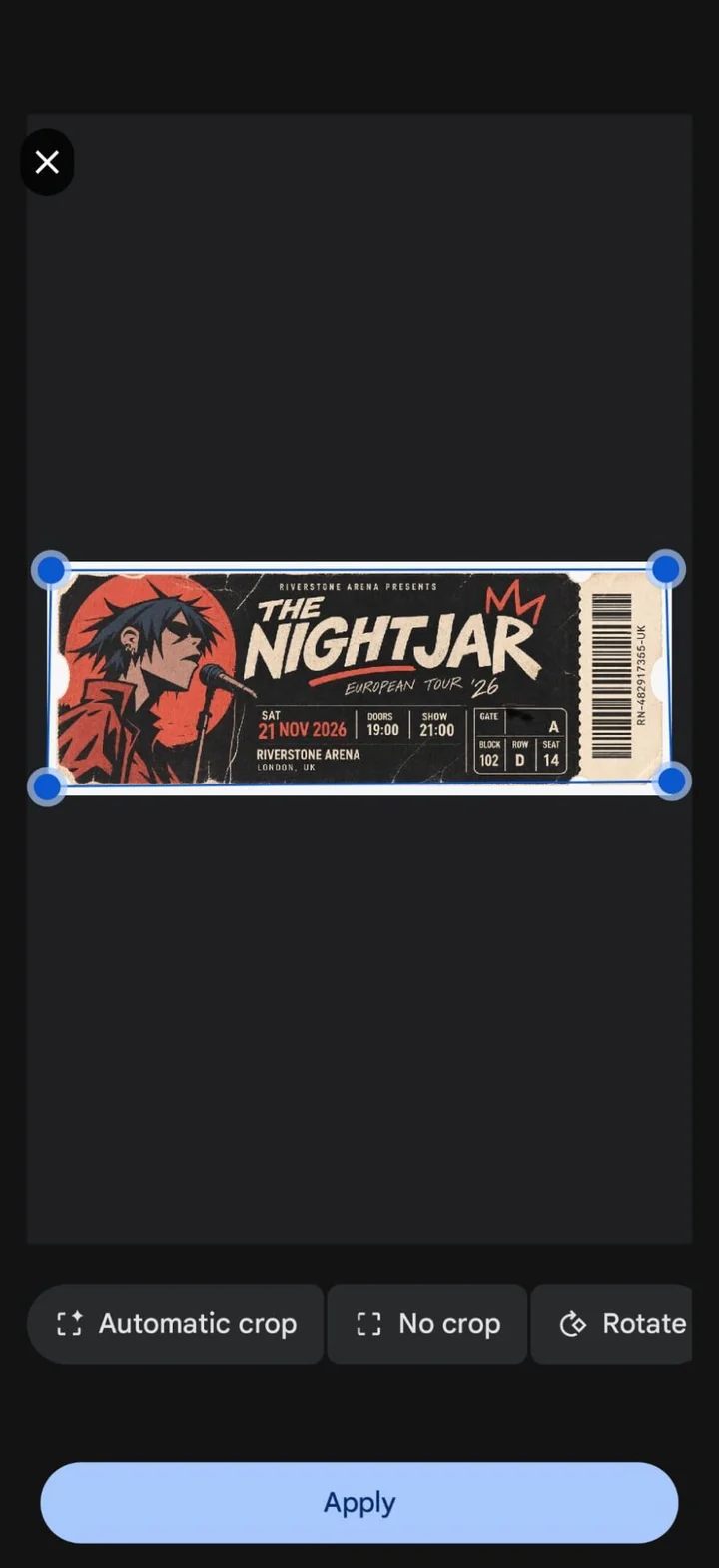
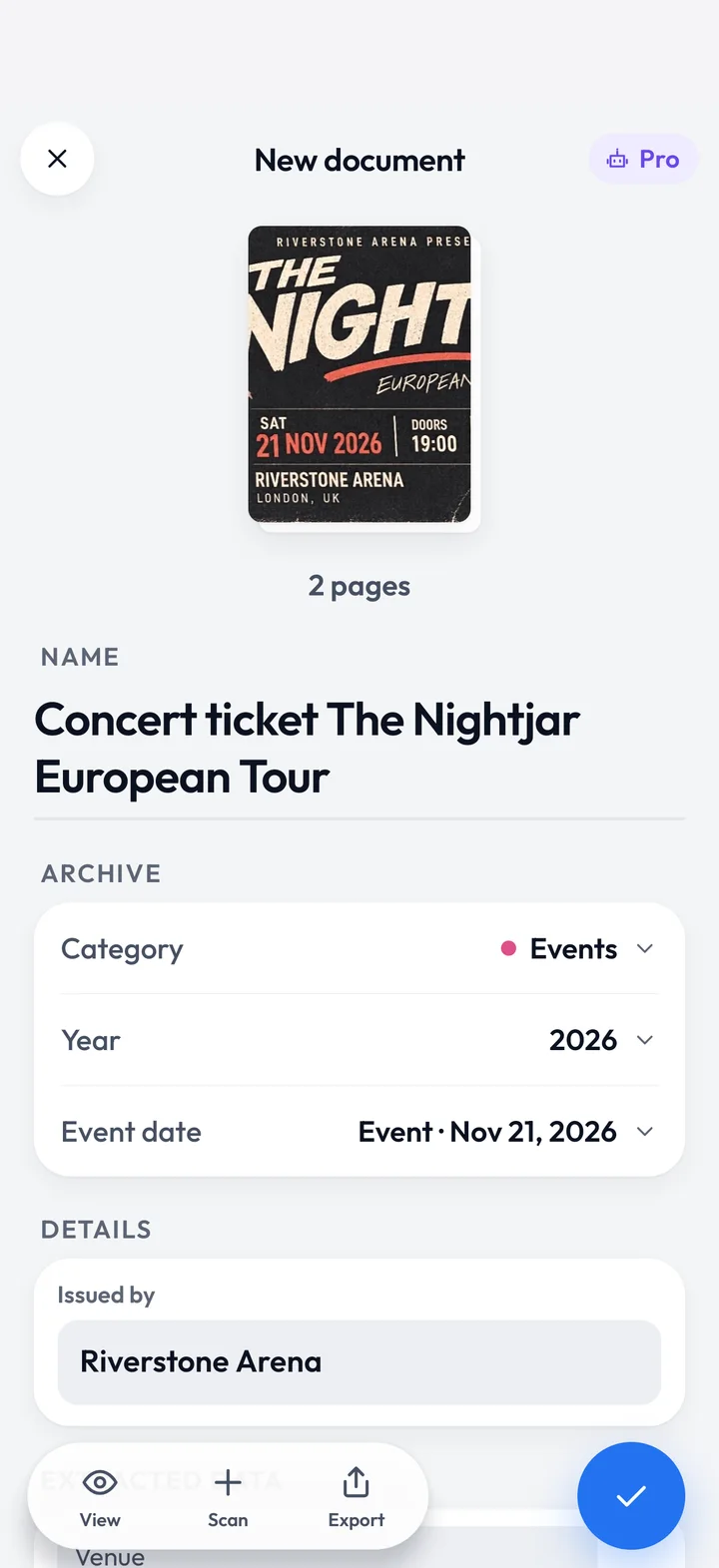
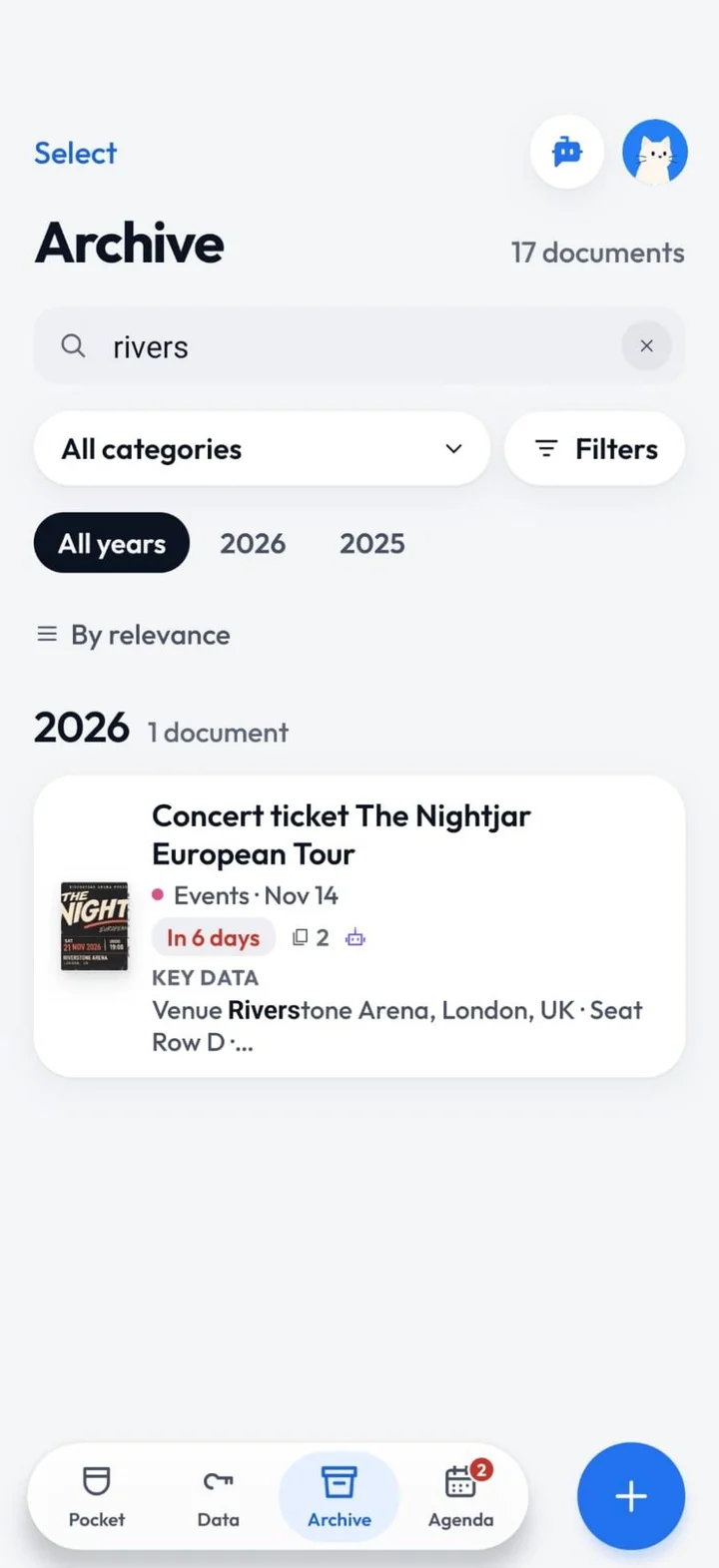
Tap + and frame the sheet: edges and perspective fix themselves, even across several pages. Or import a PDF or share it from another app.
PaperPocket reads the text and suggests a name, category, year and expiry date. Confirm with one tap and the document flies into your Pocket.
Search inside the text too, browse by year and category, and open everything even without a connection.
A day with PaperPocket
Scroll through the day: every moment has its document.
A day with PaperPocket
Scroll through the day: every moment has its document.
07:45Now
On the day you travel it rises to the top of Home, ready to show full screen.
09:30Coming up
Events, bills and policies lined up for the next 30 days, with the reminder at the right time.
13:10Search
Type a word printed on the sheet: PaperPocket reads the pages, not just the titles.
17:20Data
IBANs, number plates, policies and codes extracted by the AI in one tab, ready to copy.
20:40Protected
Protect a document with your PIN or fingerprint: it stays blurred until you unlock it, and no screenshots.
23:15Offline
It works without a connection and takes in the PDFs you receive: Open with PaperPocket and they’re filed.
PaperPocket Pro
AI that works on your documents: it finds the details, does the maths, prepares the PDFs and keeps a copy safe.
AI analysis
It looks at the photos and text of the pages: title, dates, amounts, IBANs and contacts labelled with whose they are. Every contact becomes a button.
Assistant
“How much did I spend on electricity?” You get the figure, the chart and the documents it comes from. Your phone does the maths, not the AI.
Pro Documents
Merge several documents into a PDF with a cover, totals, index and summary, followed by the original pages. Ready for your accountant.
Cloud
A cloud copy of the documents you choose: change phones, sign in and they’re back.
Create a free account: 10 free AI analyses, then 3 every month.
Analysis and the assistant only run with your consent.
Pricing
Everything you need to never lose a sheet of paper is free. Pro adds the AI that does the work for you.
No account, everything on your phone.
Free
Just an email to try the AI.
Free
The AI that works for you.
Pro is started in the app and paid through Google Play. It renews automatically until you cancel; you’ll see the final price, taxes included, in the store before paying.
Privacy
PaperPocket was born offline: no mandatory account, no ads, no data sold.
Documents, recognised text and details stay on your device unless you decide otherwise.
You can use the app without signing up. An account is needed for free AI analyses and Pro features, including cloud backup.
Backup is optional, document by document, and you can remove it whenever you like.
Analysis and the assistant only run with your consent. What we send doesn’t stay on our servers.
Protect the app or just your sensitive documents. While they’re open, screenshots and recordings are blocked.
No advertising tracking and no selling of your data.
FAQ
The things people ask us most. Everything else is on the dedicated page.
Yes. Downloading and using it is free, with no account and no ads. The free version includes:
PaperPocket Pro is an optional subscription: it adds AI analysis, the assistant that answers your questions, Pro Documents and cloud backup.
No. As a guest you scan, organise, search and share your documents without signing up, and they all stay on your phone.
A free account is only needed for the online features: the free Pro analyses, the Pro subscription and cloud backup. You can create one whenever you like, even after saving documents.
Open it from the robot icon at the top. For everyone it suggests ready-made searches on your documents (“Deadlines to handle”, “Spending on bills”) and flags what matters, all worked out on your phone.
With Pro you write or talk to it like a person: “how much did I spend on electricity this year?”, “what expires next month?”, “where’s the washing machine warranty?”. It answers with figures, charts, documents and buttons to act.
Photos of the pages (up to 8) and the text your phone read: the photos let it read handwriting properly. They go through our server function to the AI provider (OpenAI or Anthropic), and back come a title, category, dates, amounts, details and a corrected transcription.
We keep neither the photos nor the text, and the provider doesn’t use them to train its models. AI analysis only runs with your consent; without it, everything stays on your phone.
Pro is monthly or annual (annual costs less) and is activated in the app through Google Play. The website shows prices where available; always check your country’s final price in Google Play before paying.
It renews automatically and you can cancel any time from Google Play › Payments & subscriptions: it stays active until the end of the period you paid for.
Yes, PaperPocket was born offline. Without internet you can scan, read the text, search, use the Agenda and reminders and open every document.
You only need a connection to:
If you scan offline the document is saved right away; you can run the AI analysis later with Extract.
We’re preparing the Android app. In the meantime, explore how it works and read all the information about the service.
Coming to Google Play
Come back here for the download link.

